Café & restaurant guides
How to create a QR code menu for a small café in the Philippines
Give your café menu a permanent web address, then turn it into a QR code customers can scan. Here’s what to prepare and test before printing.
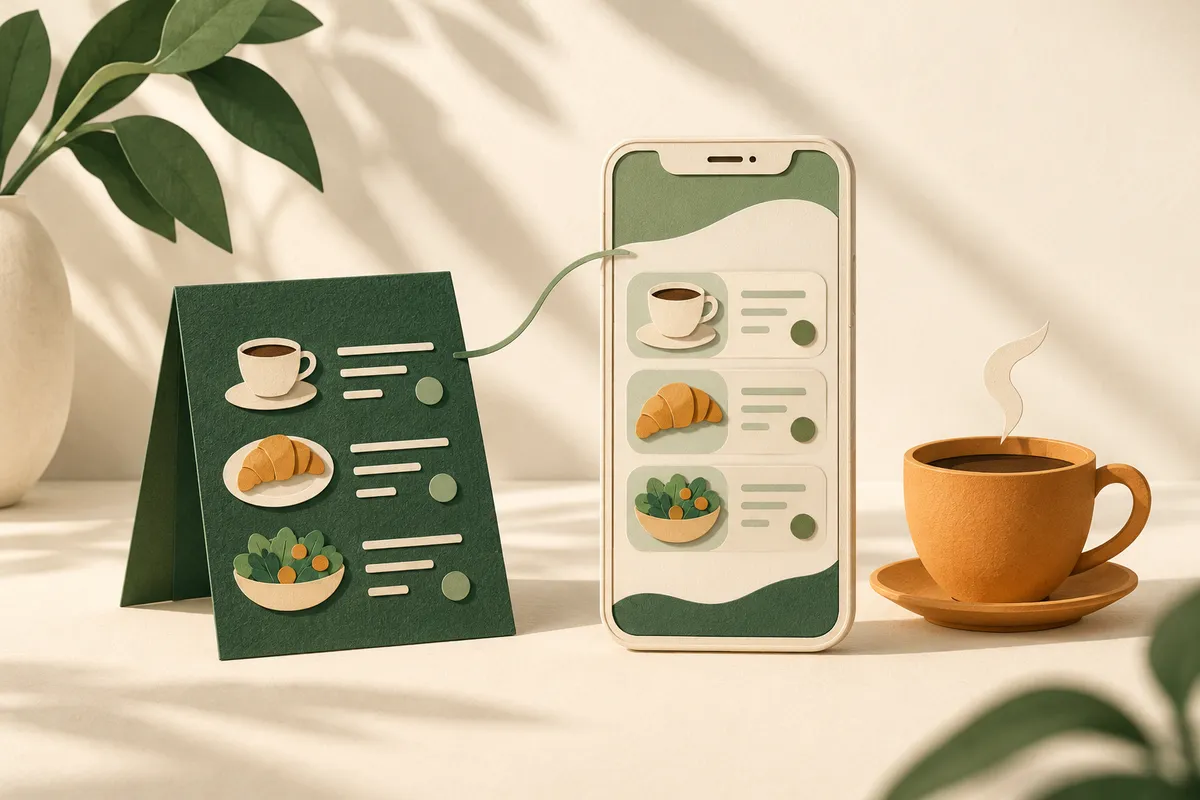
A QR code menu can be simple: publish your menu at a web address, make a QR code that opens that address, and put the code where customers can scan it. You do not need an ordering app just to let someone read your drinks and food list.
For a small café in the Philippines, the more important decision comes before generating the code: where will the menu live, and who will keep it accurate? A beautiful table card is little help if it opens last month’s prices or a page that is difficult to read on a phone.
Here’s a practical way to set it up.
Choose what customers will open
There are three common approaches. Choose around how your café operates, rather than how many features a tool advertises.
| Menu format | Useful when | Check first |
|---|---|---|
| A photo or PDF | You need to share an existing menu quickly | Can customers read it without repeatedly zooming? |
| A page on your website | You want a readable menu alongside hours and directions | Who edits prices and how are changes arranged? |
| A dedicated menu or ordering platform | You need frequent availability changes or ordering features | What does the plan include, and what happens if you stop paying? |
A menu page can show categories, descriptions and prices as ordinary text. Customers can scroll through coffee, other drinks and food without downloading a large document. Keep a PDF as an optional download if it is useful, rather than making it the only way to read the menu.
If you need orders sent to the kitchen, payments or live stock management, write those requirements down separately. A QR code is just a link; it does not provide those systems by itself.
Prepare a menu that answers the first questions
Start with a current list approved by the person responsible for your prices. For each item, include its name, a short description where needed, sizes or portions, and the price in pesos. Explain extras beside the item instead of leaving customers to discover them at the counter.
For example, an iced latte entry might need a size, the included milk option and the extra charge for an alternative. A sharing plate should explain the portion clearly. Use your actual details; there is no need to invent elaborate descriptions for familiar items.
Keep categories short and recognisable. Put a few real food and drink photos beside the menu, but avoid making every item depend on a large image loading. Add opening hours, your location and whether customers should order at the counter or speak to a member of staff.
Publish only ingredient and dietary information your team can verify. Give customers a clear way to ask about ingredients when they need more detail.
Give the menu a stable address
An address such as yourcafename.com/menu/ is easy to reuse on table cards, social profiles and messages. Once printed, keep that address working even when the menu changes.
The distinction between static and dynamic QR codes matters here:
- A static QR code stores the destination directly. If it points to your menu page, you can update that page without changing the code.
- A dynamic QR code usually points through a provider’s redirect. That can let you change the destination, but may depend on the provider’s account, terms or paid plan.
You do not automatically need a dynamic code just because your prices change. A stable page with updated content may be enough. Before choosing a generator, check that the printed code will continue working under the terms you intend to use.
Generate the code and test the printed version
Once the menu page is published, copy its full HTTPS address into your chosen QR generator. Download a print-quality version and place it on a simple card with an instruction such as “Scan to view our menu.” Include a short written web address as another way to reach it.
Keep a clear margin around the code and strong contrast between the code and background. Decorative patterns and a large logo across the middle can make scanning less reliable. Test the final design at its actual printed size, not just enlarged on your computer.
Before ordering a batch of cards:
- Scan a sample with more than one phone.
- Open it using mobile data as well as your café Wi-Fi.
- Check it at a table under your normal lighting.
- Confirm that it opens the menu without asking visitors to sign in.
- Read prices and descriptions without zooming.
- Keep a printed menu available for customers who prefer one or cannot scan.
Ask someone who did not build the page to try it. Watch where they hesitate; that is often more useful than asking whether it looks nice.
Use the same menu beyond your tables
A menu page also helps people deciding whether to visit. Link to it from your Facebook page and other active profiles, and put a visible menu link on your website’s homepage.
Clear text and descriptive links help search engines understand a page, as explained in Google’s SEO Starter Guide. That does not guarantee rankings. It does mean the menu can be useful before someone reaches your door, instead of existing only behind a code at the table.
Our café and restaurant website service focuses on that practical foundation: your menu, atmosphere, hours, location and a way to enquire. The ₱500/month package includes up to five pages, hosting and a .com domain. Online ordering, checkout and delivery management are outside that package.
Decide who updates it before launch
Agree on how menu edits will be requested, how quickly they can be handled and whether they carry an additional charge. Do not assume that website hosting includes unlimited immediate menu changes.
Keep one approved menu list and check every place customers see prices when you make a change. After an update, scan a table card again to confirm that the current menu appears.
If you change availability throughout the day, a platform your team can update directly may be a better fit. If your menu is fairly steady, a clear website page and a working QR code can be a straightforward starting point. You can see how menu, atmosphere and visit details fit together in our illustrative café website demo.
Written by Luzon Digital
We make thoughtful, affordable websites for small businesses across the Philippines. Our guides help you make confident decisions about your business online.
Explore more small business guides