Getting found online
How to put your business on Google Maps in the Philippines
A free Google Business Profile helps nearby customers find you on Google Search and Maps. Here’s how to set it up properly, step by step.

When someone types “dentist near me”, “aircon cleaning Bulacan” or “café malapit sa akin” into their phone, Google often shows a map with a short list of local businesses before any ordinary search results. Those listings come from Google Business Profile.
If your business isn’t there, a customer who is ready to call today may never see you. The good news is that a profile is free, and you don’t need to be a technical person to set one up.
This guide walks through the process for businesses in the Philippines, what to fill in carefully and how a profile works alongside your website.
What is a Google Business Profile?
A Business Profile is the panel that appears for your business on Google Search and Google Maps. It can show your name, location or service area, opening hours, phone number, photos, reviews and a link to your website.
Google says you can add or claim your business at no charge. Be careful of anyone who offers to “register you on Google Maps” for a fee and promises a top position. Google states plainly that there’s no way to request or pay for a better local ranking.
Before you start: check if you’re already listed
Search for your business name and city or municipality on Google Maps. Sometimes a listing already exists because a customer added it or Google created it from public information.
- If you find an unclaimed listing, open it and choose Claim this business, then Manage now.
- If someone else already manages it, such as a former staff member or a relative who set it up years ago, Google lets you request ownership from the current owner.
- If nothing appears, create a new profile.
Avoid making a second listing for the same location. Duplicates confuse customers and can split your reviews between two pages.
How to create your profile, step by step
- Go to business.google.com/add and sign in with a Google account you will keep using. A shared business Gmail is usually easier than a personal account that may change hands.
- Enter your business name exactly as customers know it.
- Choose the category that best describes your main service, such as “Dentist”, “Hair salon”, “Café” or “Plumber”.
- Add your location or service area (more on this below).
- Add a phone number customers can actually reach and, if you have one, your website.
- Choose a verification method and complete it.
After you submit verification, Google says reviews can take up to five business days, and occasionally longer.
Getting the details right for the Philippines
Your business name
Use your real-world name, the one on your signage, receipts and Facebook page. Google’s guidelines don’t allow adding keywords, locations or taglines to the name.
“Reyes Aircon Cleaning” is a name. “Reyes Aircon Cleaning Repair Installation Manila Cheapest 24/7” is a list of keywords, and it can get a profile suspended.
A storefront or a service area?
This is the most important choice for many Filipino businesses.
- If customers visit you, like a clinic in Quezon City, a salon in a Cavite subdivision or a carinderia in Pampanga, add your full address and make sure the map pin sits on your actual door.
- If you go to customers, like plumbers, aircon cleaners, electricians, pest control and home-service nail technicians, you are a service-area business. Add the cities and provinces you genuinely serve and hide your address, especially if you work from home.
Google asks that a service area stay within roughly two hours’ drive of your base. Listing every province in Luzon won’t help a customer in Batangas if you’re based in Bulacan and can’t reach them in time.
Addresses that customers can follow
Philippine addresses don’t always match neat street numbers. Include the barangay, city or municipality and province, and check the pin on the map rather than trusting the address alone. If people usually find you by a landmark, mention it in your description, for example “across from the barangay hall” or “second floor, above the pharmacy”.
Phone numbers and messaging
Use a number someone answers during your listed hours. A Philippine mobile number is fine, entered in the format customers would dial. If most of your enquiries arrive through Messenger or Viber, say so in your description and on your website so customers know the fastest way to reach you.
How verification works
Google uses verification to confirm that you really run the business. Depending on your business type, region and other details, you may be offered:
- a phone call or text with a code,
- an email,
- a video recording showing your location, signage and tools of the trade, or a live video call,
- a postcard sent by mail.
Google notes that the options available to you depend on your business. For video verification, prepare beforehand: show your street or nearby landmarks, your signage or branded vehicle, and something that proves you operate there, such as equipment, stock or a business permit.
Postcards can take up to 14 days to arrive, and codes expire after 30 days. If you’re offered a postcard, make sure the address is one where someone will receive mail.
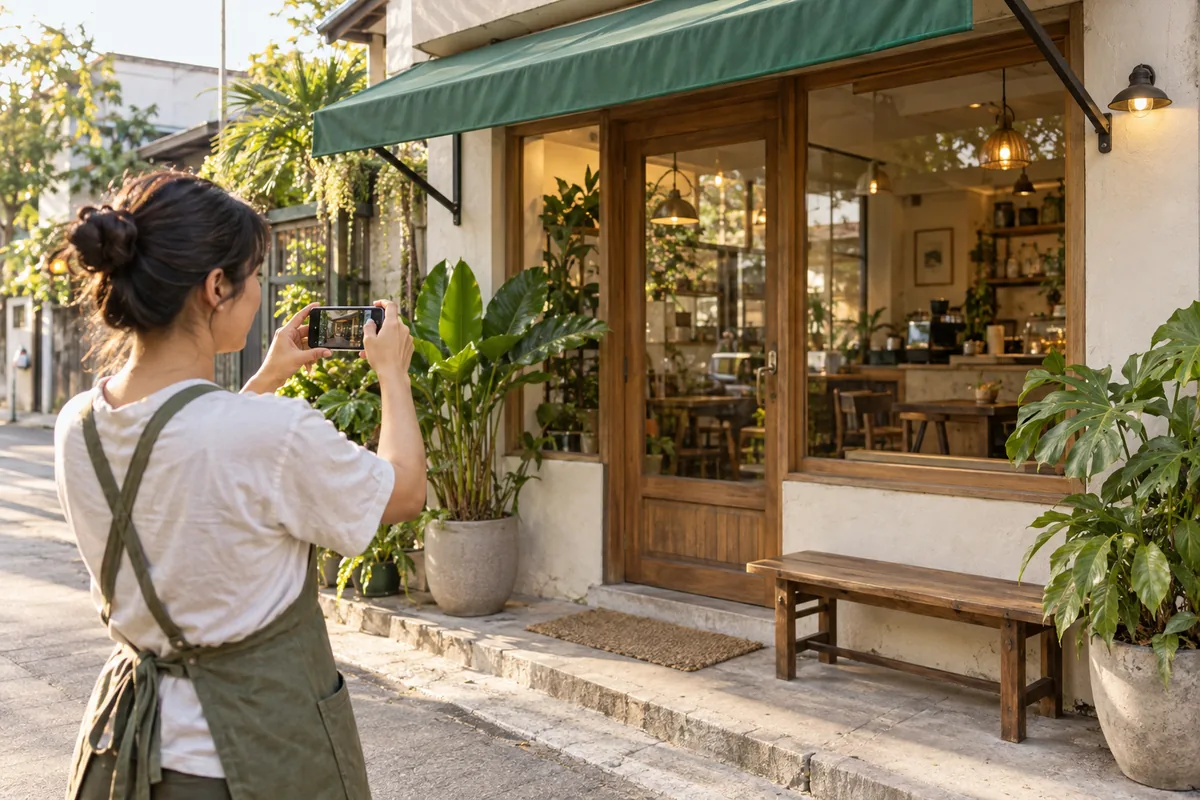
What helps you show up in local results
Google describes three main factors in how local results are ranked:
- Relevance: how well your profile matches what someone searched for.
- Distance: how far you are from the person searching, or from the location they typed.
- Prominence: how well known your business is, including reviews and information about you across the web.
You can’t move your shop closer to every customer, but you can influence relevance and prominence:
- Complete every section that applies. Categories, services, hours, description, photos and attributes all help Google understand what you do.
- Keep hours accurate, including holiday schedules. Few things lose trust faster than a customer arriving at a closed shutter during Holy Week.
- Add real photos of your storefront, interior, team and finished work. Skip stock images.
- Ask happy customers for reviews. A QR code at the counter or a short link sent after a job makes it easy. Don’t offer discounts or freebies in exchange for reviews; Google prohibits incentives.
- Reply to reviews, in English, Tagalog or the language the customer used. A short, personal reply to a complaint can reassure future customers more than a perfect score.
Why your profile works better with a website
A profile is a great start, but it’s a small card with limited space. When someone taps through, they often want more: a full list of services, prices or a menu, photos of past work, the areas you cover and an easy way to ask a question.
A website gives that information a permanent, organised home. It also strengthens your profile, because the website link and the details on it help Google confirm who you are and what you offer. Keep the name, address, phone number and hours identical on both so customers and Google aren’t left guessing.
If you don’t have a website yet, Luzon Digital’s ₱500/month package includes a custom website with up to five pages, hosting and a .com domain. We design for the kinds of businesses that rely on local customers, including home service businesses, dental clinics and cafés. You can see some of our work in the portfolio.
A quick checklist
Before you call it done, check that:
- your business name matches your signage, with no added keywords,
- the map pin is on your actual location, or your address is hidden if you serve customers at their homes,
- your service areas are places you can genuinely reach,
- your phone number, hours and holiday hours are correct,
- you’ve added at least a few real photos,
- your website link works and shows the same details,
- you have a simple way to ask customers for reviews.
Set a reminder to review your profile every few months. A ten-minute check helps make sure the next person who searches for what you offer finds the right answer, and finds you.
Written by Luzon Digital
We make thoughtful, affordable websites for small businesses across the Philippines. Our guides help you make confident decisions about your business online.
Explore more small business guides